A ransomware attack in practice: 60 employees back at work within 48 hours
Every computer and file share encrypted, but not the backups. How an offline backup brought a company back without paying a ransom, in which order the systems returned and what changed afterwards.
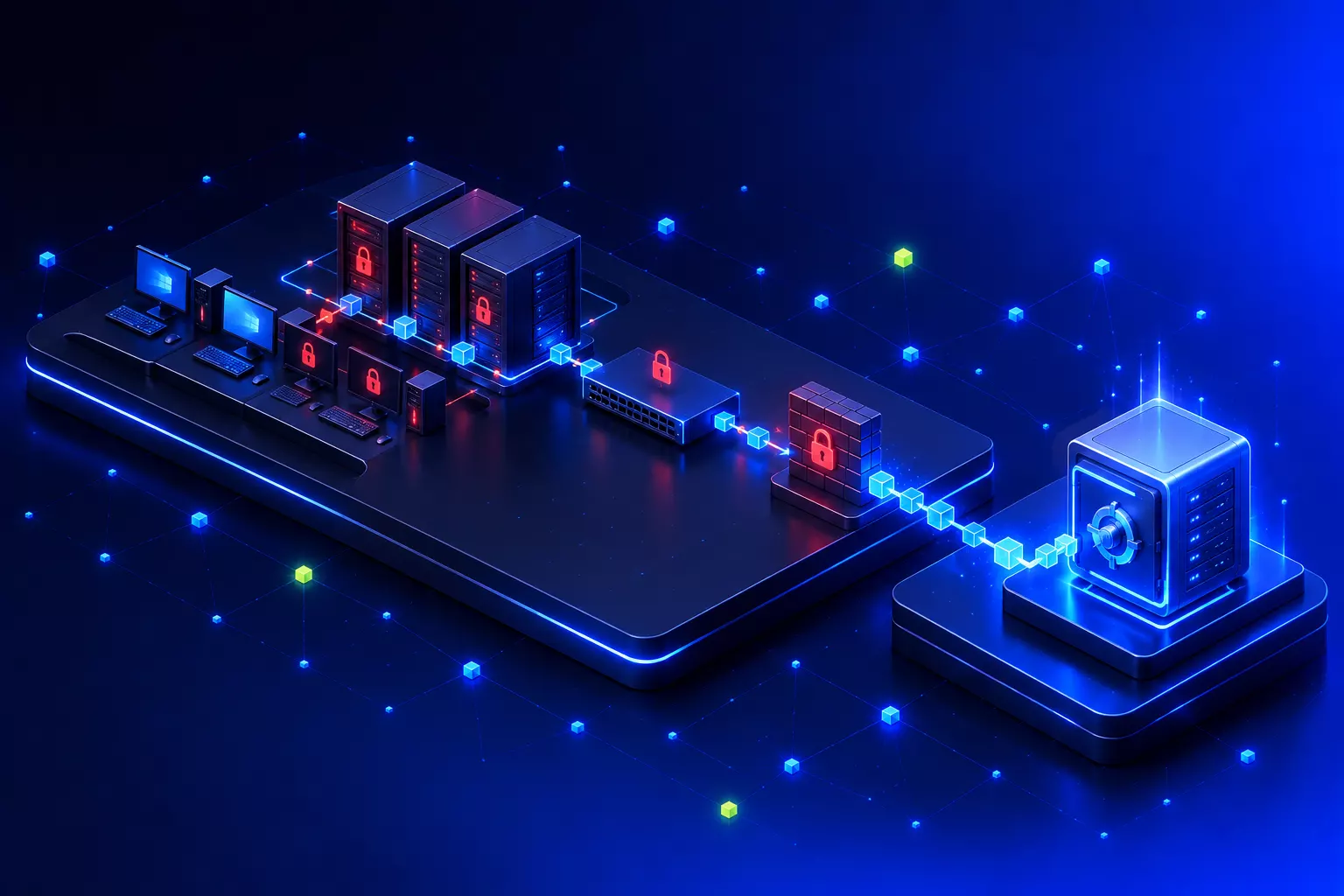
In April 2025 an IT service company brought me in after a ransomware attack. Around 60 employees were affected. Working with everyone involved, we got the business running again within 48 hours. The case shows what an offline backup and clearly agreed responsibilities mean for recovery.
How the attack was noticed
Staff noticed the ransomware attack themselves: files would no longer open because they were encrypted. The malware had encrypted every computer that did not have a Cyrillic keyboard layout installed, along with the network shares on the servers. In the end all of the company’s working data was unusable, and a ransom demand came with it.
At this point the IT service company that looks after the business brought me in. In a situation like this, every experienced pair of hands that thinks along and works along helps. I think it is a good decision to get that support early rather than trying to carry everything alone.
Why the offline backup made the difference
Attackers look for backups on purpose, because encrypting them too raises the pressure to pay. Germany’s Federal Office for Information Security (BSI) describes exactly this approach. In this case the backups were not encrypted. Even so, the recovery did not use the backup on the company’s own network but an offline backup: a copy that goes offline after each backup run, so nothing on the network can delete or encrypt it.
That answered the most important question early on: the data is there. The company did not pay a ransom. Despite the recovery, one day of data was lost: whatever had been created or changed on the day of the attack was gone. What that means depends on the data and processes affected.
I describe how I set up backups for my own clients today in the article on Proxmox and two-stage backup: a fast local backup and a second copy off site that cannot be changed from the client’s network.
The order of recovery
After an attack you cannot simply restore everything at once. Any system that is back on the network too early can give the attacker a way in again. In this case the recovery therefore went layer by layer. The order was tailored to this environment and is not a general emergency guide:
- Firewalls. First, control what goes into and out of the network.
- The network without servers or computers. The network components are running again, but nothing that could be infected is connected yet.
- Domain controllers. Sign-in, permissions and name resolution depend on them. No other server works properly without them.
- The other servers. File storage and applications come back from the backup.
- The workstations. Every single one got a complete wipe and a fresh setup.
- Printers and other devices. Last, once everything else is back.
This step takes the most time, and that is exactly where the temptation to cut corners is greatest. Just cleaning an encrypted computer is not an option for me. Nobody can say for certain what else the attacker left on it. Setting it up again takes longer, but afterwards the computer is in a known state.
Police, insurer and forensics
Reporting ran alongside the technical work. The company involved the police and its insurer. The insurer arrived on site with its own forensics team. For the recovery this means the forensic and technical work has to be coordinated, and anything the forensics team still wants to examine is not wiped beforehand.
In Germany, every federal state police force has a central cybercrime contact point for businesses (Zentrale Ansprechstelle Cybercrime, ZAC), set up for exactly these cases. If personal data is affected, the GDPR may also require a report to the data protection authority, where feasible within 72 hours. Both should be handled by someone who is not busy restoring servers at the time.
After the ransomware attack: what changed for good
Two measures became permanent afterwards:
A stolen password on its own is no longer enough to sign in. The BSI explicitly recommends two-factor authentication for privileged accounts and remote access.
USB sticks and external drives only work on workstations once someone has checked and approved them.
The case confirmed my habit of raising preparation for an outage openly with my clients.
Being prepared, to me, means a backup that an attacker cannot reach from the network, regular tests that you can actually restore from it, and a written order for bringing systems back. The BSI also advises practising the recovery of business-critical systems at regular intervals. It also means having the phone numbers of your insurer and the police to hand, not hunting for them once the computers are encrypted. You can read how I put this into practice in ongoing support under IT security and IT support.
Frequently asked questions
Should you pay the ransom after a ransomware attack?
In this case it was not necessary, because an intact offline backup existed. In general, paying does not guarantee that you receive a working key, as the BSI also points out. The better protection is a backup the attacker cannot reach.
How long does recovery after a ransomware attack take?
That depends on the size of the environment and the state of the backups. In the case described here, with 60 employees, the company was able to work again after 48 hours. That is not a general benchmark. Setting up the workstations again takes the most time.
Whom do you need to inform after a ransomware attack?
Your cyber insurer, if you have one, and the police. In Germany, businesses contact the central cybercrime contact point of their federal state. If personal data is affected, a report to the data protection authority within 72 hours may be required. Management should clarify with its data protection officer whether that applies.
Sources
- Backups as a target, no guarantee after payment: BSI – Ransomware: advanced attacks, dynamic developments, German version (as of September 2026)
- Offline backup, two-factor authentication, contingency planning: BSI – Top 10 ransomware measures (as of September 2026)
- Reporting after an attack: BSI – Ransomware: facts and defence strategies (in German, as of September 2026)
- Police contact points for businesses: German police – central cybercrime contact points (ZAC) (in German, as of September 2026)
- Reporting to the supervisory authority within 72 hours: Art. 33 GDPR – Notification of a personal data breach to the supervisory authority

Hornetsecurity for Microsoft 365: when additional email security makes sense
Why I usually add Hornetsecurity for email protection when clients use Business Standard, how the switch works, and when I recommend Business Premium instead.
Read article→
IT for medical practices: coordinating practice software, network and backup
What the KBV's IT security guideline requires of practices, where the TI service provider's job ends, and how I set up the practice network and backup.
Read article→
NIS2 and small businesses: checking whether it applies, preparing IT measures
NIS2 has applied in Germany since December 2025. Whether a business is in scope depends on sector, size and structure. Small businesses are often affected indirectly, as suppliers or service providers to customers in scope.
Read article→