Network & IT infrastructure · Hamburg Networks, servers and backups for your business.
I plan and configure the infrastructure your applications and workstations rely on, for small and medium-sized companies in Hamburg. This includes networks, Wi-Fi, firewalls, virtual servers and backups, with the setup documented for ongoing support.
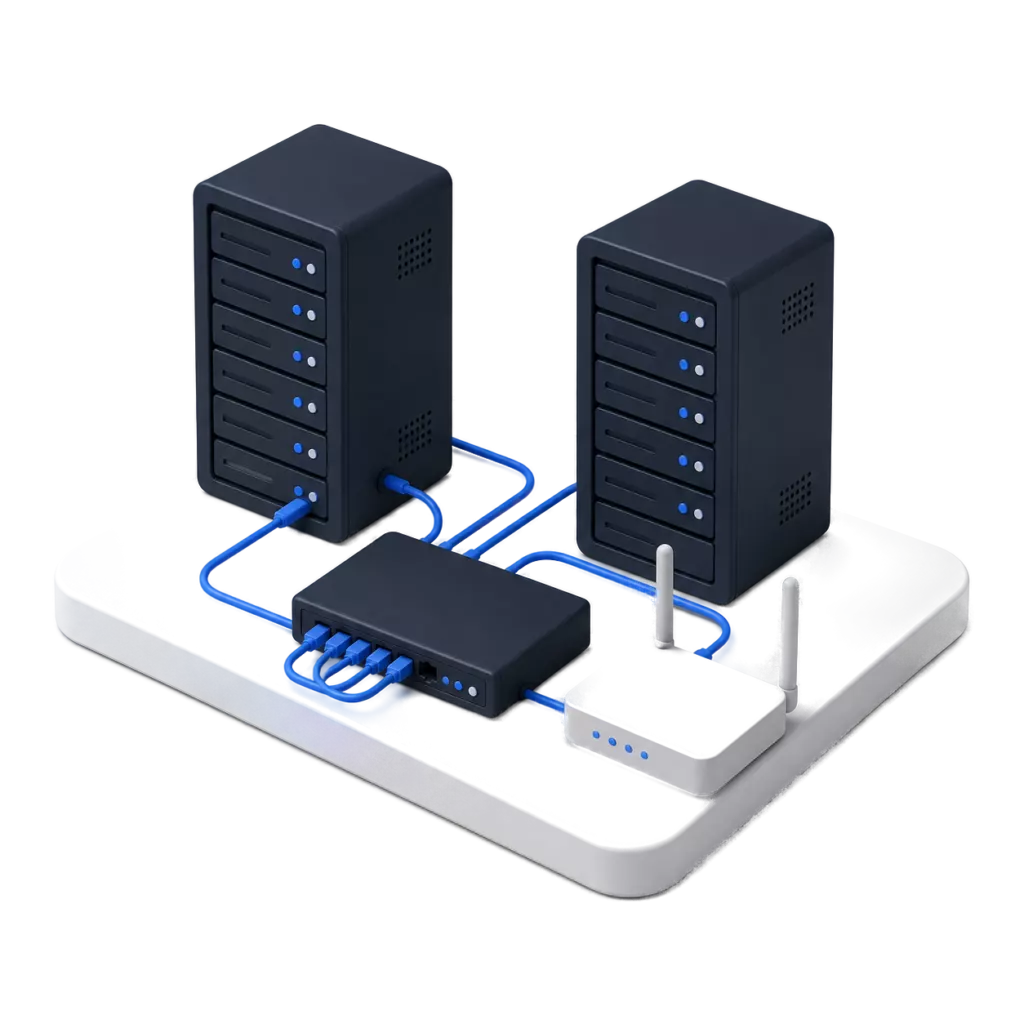
When faults pile up or changes are due
Dropped connections, slow Wi-Fi or a server nearing the end of its life are typical reasons for a review. I check devices, configuration and any existing documentation. This also shows which dependencies a replacement or an office move has to take into account.
Network documentation and credentials are often missing, or consumer-grade devices are in use. This usually only comes to light during an outage, during growth or with security-relevant changes.
Infrastructure that is easy to support
I plan the network layout, the server capacity you need and your backups. Monitoring in day-to-day operation and documentation are part of it, so faults can be narrowed down and future expansion prepared. One example is an IT modernisation in three phases.
What I take on for networks and servers.
-

Network design and Wi-Fi
LAN and Wi-Fi planning with an on-site coverage survey, separate networks (VLANs) and a dedicated guest Wi-Fi. Voice and video get priority on the network (quality of service).
-

Firewall and VPN
Next-generation firewall, security zones, site-to-site and client VPN for sites and mobile staff.
-

Servers and virtualisation
Consolidating several servers onto a few hosts with Proxmox, Windows Server and Linux. Plus Active Directory and, where needed, high availability: if a single host fails, its services restart on another one.
-

Storage and backup
NAS and storage concepts, backup with verification, restore tests and defined recovery times.
-
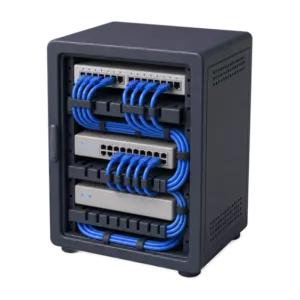
Server room and cabling
Server rack, structured cabling, UPS and coordination with electricians and providers.
-
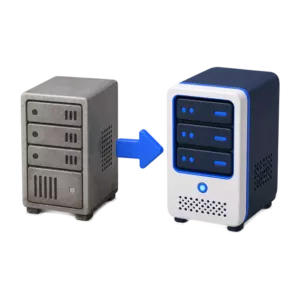
Modernisation and migration
Replacing outdated hardware and operating systems, moving services between on-premises and cloud where it makes sense.
-
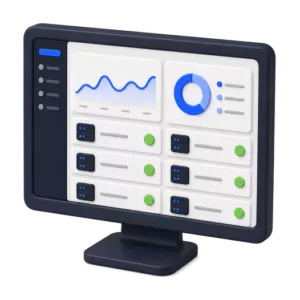
Monitoring and documentation
Monitoring of network and servers, network diagrams, IP plans and operational documentation.
How I plan
For switches and Wi-Fi, UniFi is my standard in small and medium-sized companies. Whether the UniFi gateway is enough as a firewall or a separate firewall makes sense, I decide case by case. Where a modern, manageable infrastructure is already in place, for example from Cisco or HPE, I do not replace it.
I plan Wi-Fi with an on-site survey. Clients, servers, telephony, guests and management get their own VLANs. I look at a second internet line where the business depends on an uninterrupted connection. For VPN access I prefer WireGuard. What this looks like when several companies share one site is described in the article Several companies, one network.
Servers and backup
I usually set up new virtualisation with Proxmox, as a single host or as a cluster. I have already migrated environments from VMware and Hyper-V, and in total I have set up or moved around 20 server and network environments this way. I decide differently where an in-house IT team works with VMware or Hyper-V every day.
Backups are written locally first, which is fast and puts little load on the server, and then synchronised to a second store. If you want, an off-site copy is kept on my own servers in German data centres, separate from your network. More in the article Proxmox in business.
Platforms for network, servers and backup.
Proven platforms that have been in use here for years.
- UniFi
- A network platform for switches, Wi-Fi and gateways with central management, for single and distributed sites.
- Proxmox VE
- Open-source virtualisation for server workloads and, for many smaller companies, an economical alternative to VMware.
- Proxmox Backup Server
- Deduplicated, incremental backup of virtual machines with verification.
- Sophos Firewall
- Next-generation firewall with segmentation, VPN and a link to endpoint protection.
- Defguard
- Open-source WireGuard VPN with central user management and MFA.
- Windows Server & Linux
- Active Directory, file services and line-of-business applications where they should stay on-premises.
How an infrastructure project runs.
-
01
Analysis
Site walk-through, inventory, survey measurements and requirements.
-
02
Design
Network diagram, IP plan, hardware selection, schedule and budget.
-
03
Delivery
Build and migration outside core hours, with testing before go-live.
-
04
Operation
Monitoring, firmware updates, backup checks and documentation.
Questions about networks and servers.
Have a different question? Just write to me.
Yes. Proxmox is an established virtualisation platform and can be an economically interesting alternative to VMware, especially for small and mid-sized environments. Whether a switch makes sense depends on your applications, availability requirements and support needs.
For most small and mid-sized environments, yes. Where there are particular requirements for redundancy or certification, there are better-suited platforms. I settle that during the analysis.
No. Line-of-business applications, large volumes of data or low-latency requirements often argue for on-premises systems. I assess service by service what makes sense commercially and technically. Email, files and collaboration, on the other hand, usually run well in Microsoft 365.
Is your network getting in the way, or is a change coming up?
Tell me what problems you are seeing or what is changing at your site. I can help track down faults and plan the next steps with you.