Macs in business · Hamburg Macs that set themselves up.
New employee, new Mac: unpack, switch on, sign in with the work account and get going. Programs, Wi-Fi and security settings are applied automatically. I set this up for Macs in business with Microsoft Intune and Apple Business Manager, including companies with more than 150 employees.
Where it usually gets stuck.
Manual setup
Every new Mac costs us half a day.
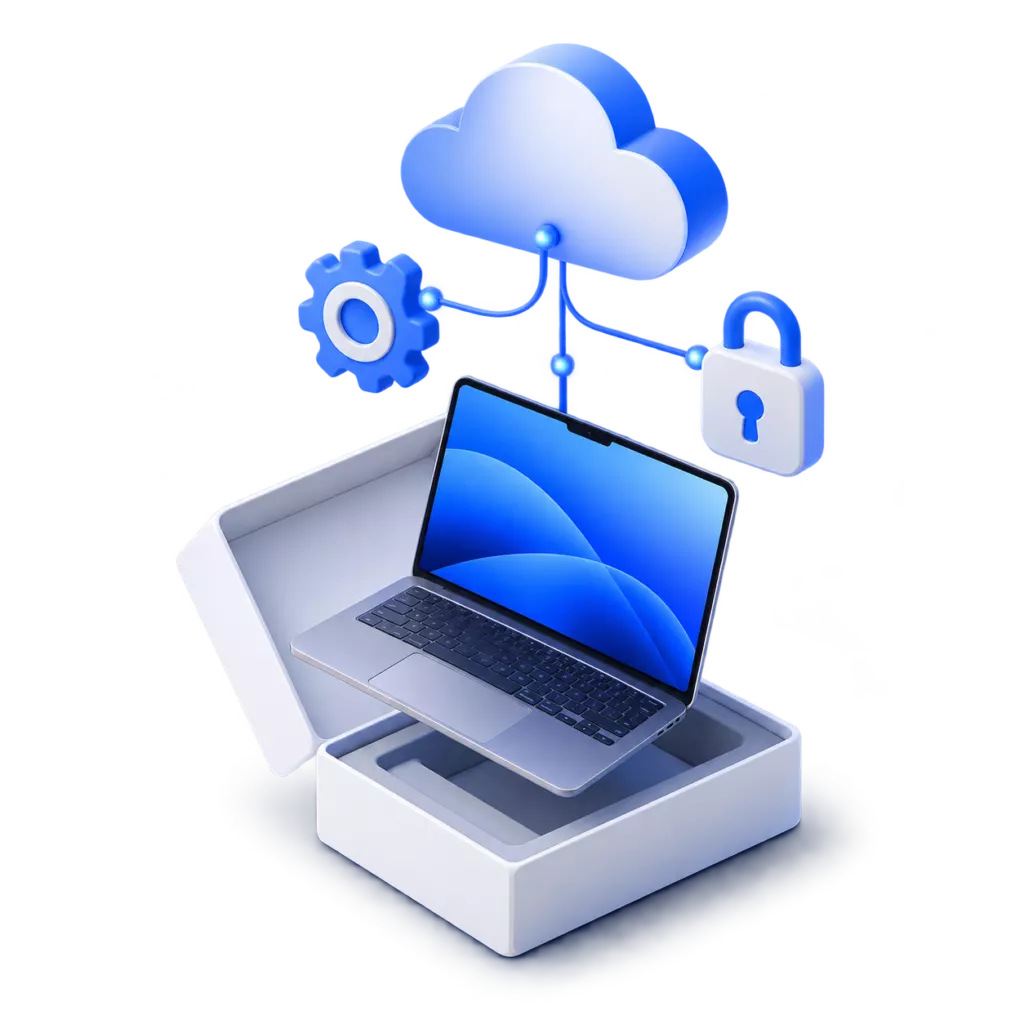
With this setup, the Mac configures itself on its first connection to the internet. It can go to the new employee still in its box.
Unclear protection
We do not know whether our Macs are encrypted.
I turn on encryption for every Mac and store the recovery key securely in your management system. If a laptop is stolen, nobody can access its data.
Existing Macs
Our Macs are running, but nobody looks after them.
I bring existing Macs into central management. In most cases, files and programs stay on the device so staff can keep working. I have managed Macs with Intune since 2023.
Which system
Is Microsoft Intune enough, or do we need a dedicated Apple solution?
For most companies with up to about 150 Macs, Intune is enough. It is already included in Microsoft 365 Business Premium. Dedicated Apple solutions such as Jamf or Mosyle pay off when changes need to reach every device very quickly.
What simply works afterwards.
Automatic setup
New Macs fetch programs, Wi-Fi and settings themselves the first time they start.

One account for everything
Staff sign in to the Mac with their Microsoft account. Outlook, Teams and the browser are then signed in straight away.

Encrypted and protected
Disk encrypted, antivirus active. If a Mac is lost, it can be locked and wiped remotely.

Programs and updates
I deploy software centrally and keep it up to date. Staff do not need admin rights for this.
How much IT time central management saves.
A Forrester study commissioned by Microsoft estimates a saving of around 22 minutes of IT time per device each month. Enter the number of devices you have.
A Mac fleet, managed centrally.
I first managed all the Macs at a communications agency with Intune. Later I moved them to a dedicated Apple solution because changes reach the devices faster there.
- Macs managed centrally
- 160 Macs managed centrally
- Apple devices at the agency
- 100 % Apple devices at the agency
Four steps to managed Macs in your business.
-
01
Inventory
Which Macs there are, which programs are needed and who has which rights.
-
02
Concept
Which settings and programs each Mac gets.
-
03
Switch
A few Macs as a trial first, then all of them. I tell staff in advance what changes for them.
-
04
Operation
I manage joiners, leavers and updates centrally, without needing an appointment at each device.
Briefly answered.
Have a different question? Just write to me.
In most cases, no. I add the Mac to management and leave its files where they are. Only Macs that were bought privately have to be reset once for this. In that case I back up the data first.
Yes. Windows PCs, Macs, iPhones and Android phones are managed in the same system, with the same rules.
If you have Microsoft 365 Business Premium, Intune is already included. Apple Business Manager is free.
What is needed, I deploy centrally. If someone needs a new program, a short message is enough.
Want your Macs to set themselves up?
Send me a couple of lines on how many devices there are, or just call.