IT for law and tax firms · Hamburg IT for law firms that takes confidentiality seriously.
I look after IT for law firms and tax advisers in Hamburg, including Microsoft 365, workstations, home working, telephony and security. I coordinate directly with the provider of your practice software.
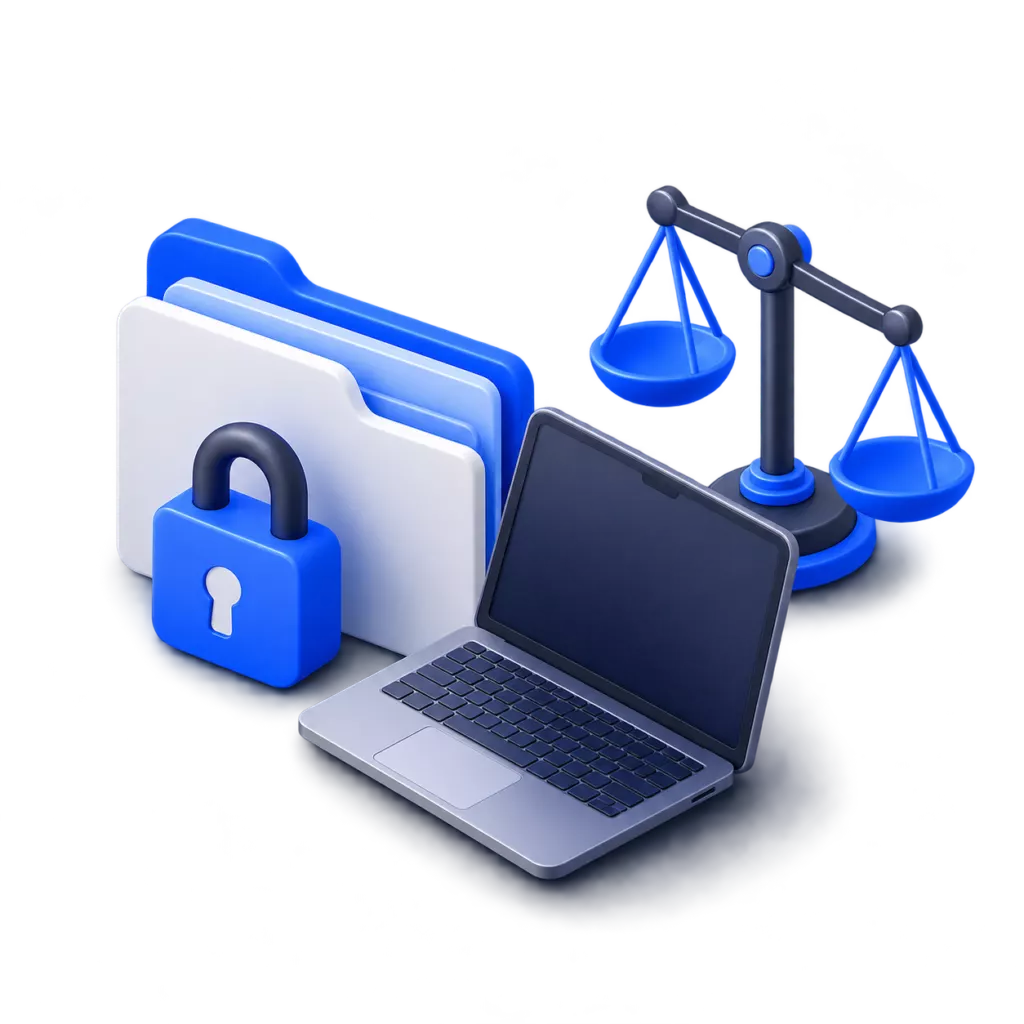
What law and tax firms tell me most often about their IT.
Home working
We want to work from home without client data ending up on personal devices.
Secure access on the road and at home, on company devices that are managed centrally and encrypted.
Practice software
With every DATEV update we mediate between two providers.
I install the updates of the DATEV programs and the DATEV security package on your workstations. I do not work inside DATEV itself; that stays with your tax office or DATEV provider.
Access
Who can actually access our data?
I review accounts, rights and sharing and tidy up. Full admin rights are then only granted for the duration of a task.
Phone
Our phone system is old and tied to the office.
Telephony through Microsoft Teams: the firm's number rings in the office, at home and on the mobile.
Admin rights only for a limited time.
I grant full admin rights only for the duration of a task, using Privileged Identity Management (PIM). You see why that matters if an attacker gets hold of an administrator’s sign-in details.
The attacker immediately has all rights: new accounts, forwarding rules, access to every mailbox. This is often only noticed days later.
At first the account is a normal account. To activate the role, the attacker needs another sign-in, a justification and, for Global Administrator, approval from a second person. Every activation is logged and reported.
What runs in the firm afterwards.
Secured access
Sign-in with a second factor, clear rights, admin rights only for a limited time.
Encrypted devices
Laptops and work phones managed centrally. If one is lost, it can be wiped remotely.
Backup and emergency plan
Tested backups and a plan for what happens first in an emergency.

Telephony anywhere
One firm number, reachable in the office, at home and on the road.
How we work together.
-
01
Inventory
Devices, accounts, rights, practice software and telephony.
-
02
Plan
What comes first, with effort and order.
-
03
Implementation
While work carries on. I announce in advance what changes for staff.
-
04
Support
One contact who knows your firm.
Briefly answered.
Have a different question? Just write to me.
On the workstations, yes: I install the updates of the DATEV programs and the DATEV security package. The work inside DATEV and the data in it are managed by your tax office or DATEV provider.
I only access what a task requires, and each access can be traced. A data processing agreement governs our work together.
Yes. My clients range from small law firms to companies with more than 150 employees. In small firms especially, IT often depends on one person who actually has a different job.
Looking for someone to look after your firm's IT?
Send me a couple of lines about it, or just call between 8 am and 6 pm, Monday to Friday.