Skip to content
Call +49 40 88192642 Send an email [email protected] Chat in Teams [email protected]

Campus · Onboarding Onboarding new employees, with a plan instead of notes.

When onboarding new employees, a plan guides them through their first weeks: training with deadlines, policies to read and confirm, tasks with checklists for buddy, manager and HR. Campus starts the plan on the start date and shows everyone what is still open.

Occasions

What often goes wrong during onboarding.

The first day

Typical situation

On the first day the laptop is missing, and nobody knows who gives the tour.

How I can help

Tasks with checklists and owners: buddy, manager or HR see them with a deadline under “To do”.

Book a live demo→

Policies

Typical situation

Policies and operating instructions should be read, but nobody knows whether that happened.

How I can help

Read confirmation with timestamp and version. If a policy changes, those affected confirm again.

Book a live demo→

Before the start

Typical situation

New people should know what to expect before their first day.

How I can help

Pre-boarding sends a welcome, directions, contacts and first documents via a link, without an account.

Book a live demo→
How it works

Onboarding new employees with Campus.

The views are from a sample company.

Every week, what is due.
The plan

Every week, what is due.

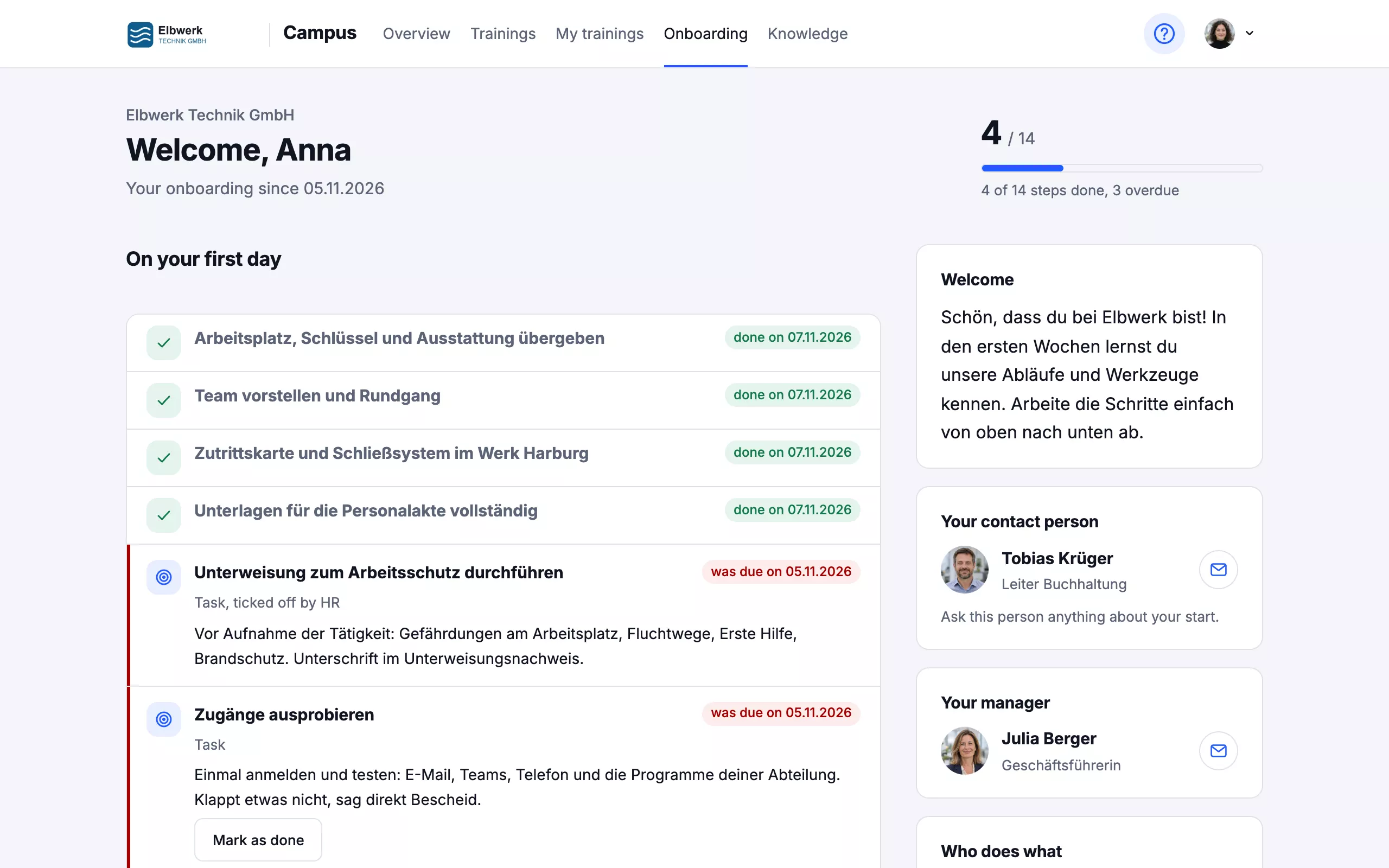
The new person sees their plan by week: training with deadlines, policies to confirm and what others are preparing for them.

  • Starts automatically on the start date
  • Steps per department, location or role
  • Training gets its deadline automatically
  • Your HR team maintains the plan
Buddy, manager and HR know what to do.
For everyone involved

Buddy, manager and HR know what to do.

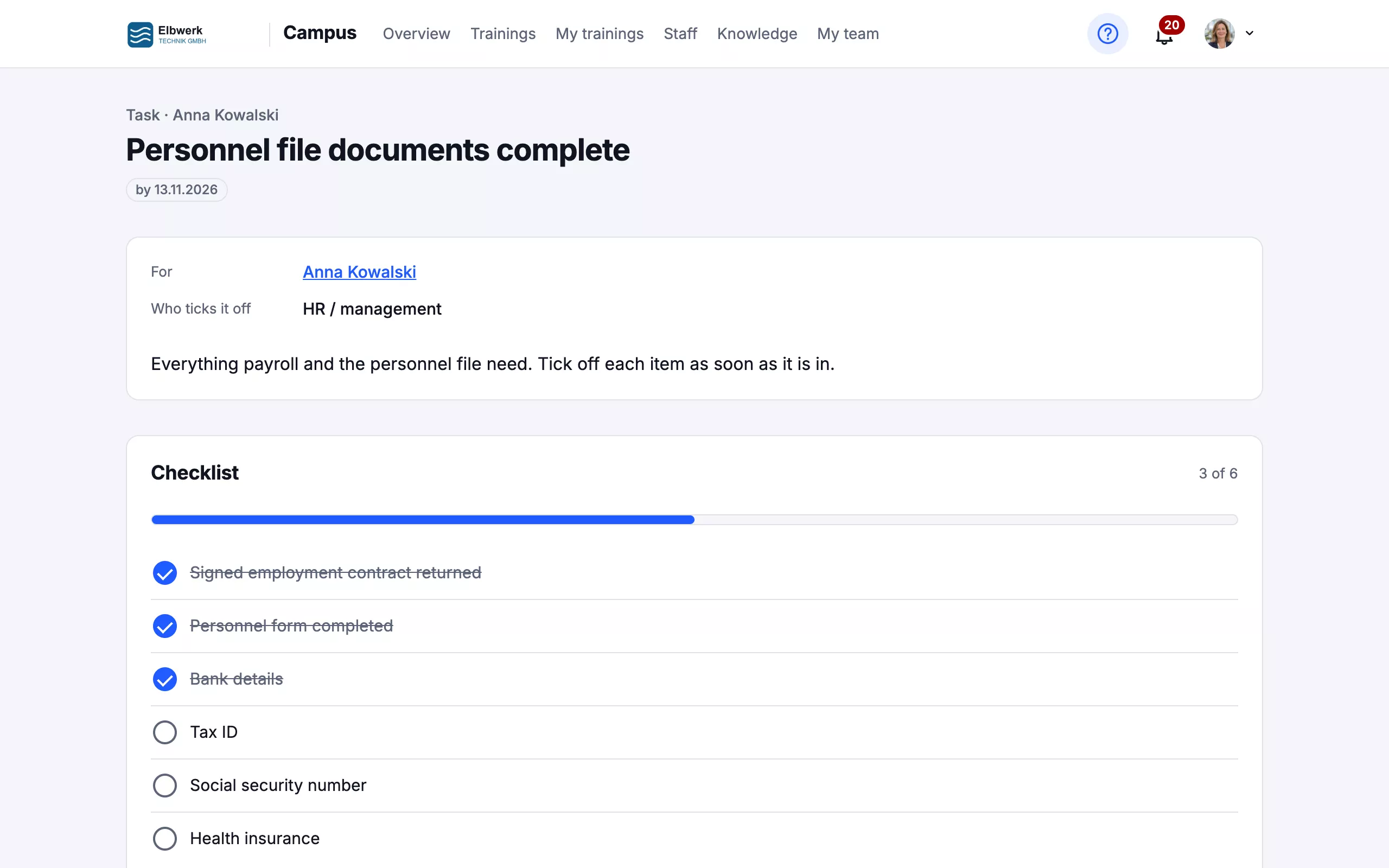
Tasks have a description, a checklist and an owner. Whoever has to tick them off sees them with a deadline on the overview, and the manager sees the status of the whole onboarding.

  • Tasks with checklists, like a to-do
  • PDF attachments, e.g. a personnel form to fill in
  • Managers see what is overdue
  • Feedback from the new person at the end
Onboarding in your pocket.
On the phone too

Onboarding in your pocket.

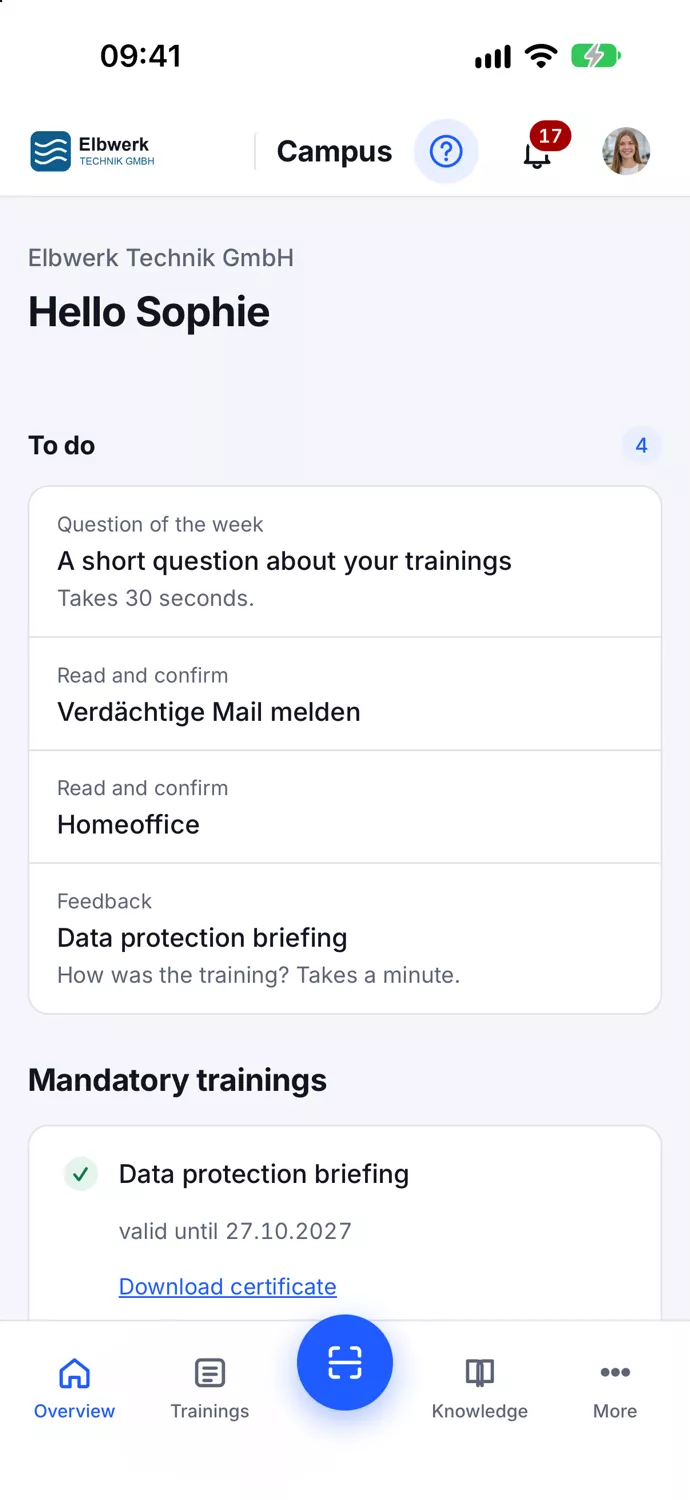
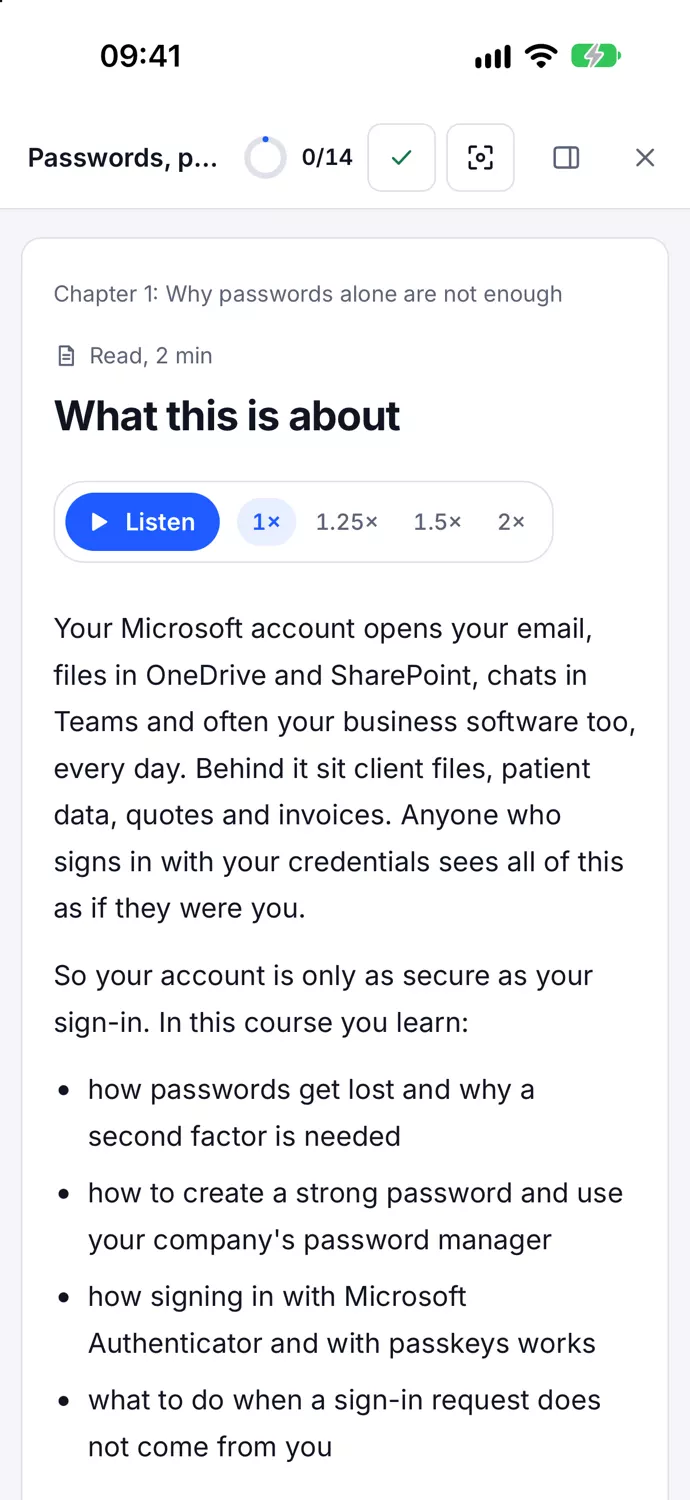
With the Campus app, the new person has the plan, training and notifications on their phone, even without a desk.

  • Notifications about new steps and deadlines
  • Courses even offline
  • Sign-in without a mailbox via access card
Getting started

Four steps to the first onboarding plan.

  1. 01

    Template

    You take over the template plan and adapt it to your company.

  2. 02

    Responsibilities

    Buddy, manager and HR get their tasks.

  3. 03

    Start

    The plan starts on the start date, which comes from Microsoft 365 or is entered by hand.

  4. 04

    Feedback

    At the end Campus asks the new person how onboarding went.

Frequently asked questions

Briefly answered.

Have a different question? Just write to me.

The Plus package and above, which costs €149 a month for up to 15 employees. All packages are on the Campus page.

No. Campus guides people through onboarding and documents training and confirmations. Personal data such as tax ID or bank details belongs in your HR system; in Campus, HR only ticks off that the documents are there.

Yes, a template plan with typical steps for the first days, weeks and months. You take it over and adapt it.

The new person, their buddy, their manager, HR and management. Not their colleagues.

From Microsoft 365, if the start date is maintained there. Otherwise HR enters it. A connection to Personio is available as an add-on.

Onboarding with Campus?

In a live demo I show you onboarding new employees from the perspective of the new person and of HR, in 30 minutes.