IT for manufacturing and industry · Hamburg IT for businesses where not everyone sits at a desk.
I look after the IT of manufacturing businesses in Hamburg and northern Germany: the network for office and shop floor, Microsoft 365, the devices, and the safety training that staff without a computer of their own complete on their phone.
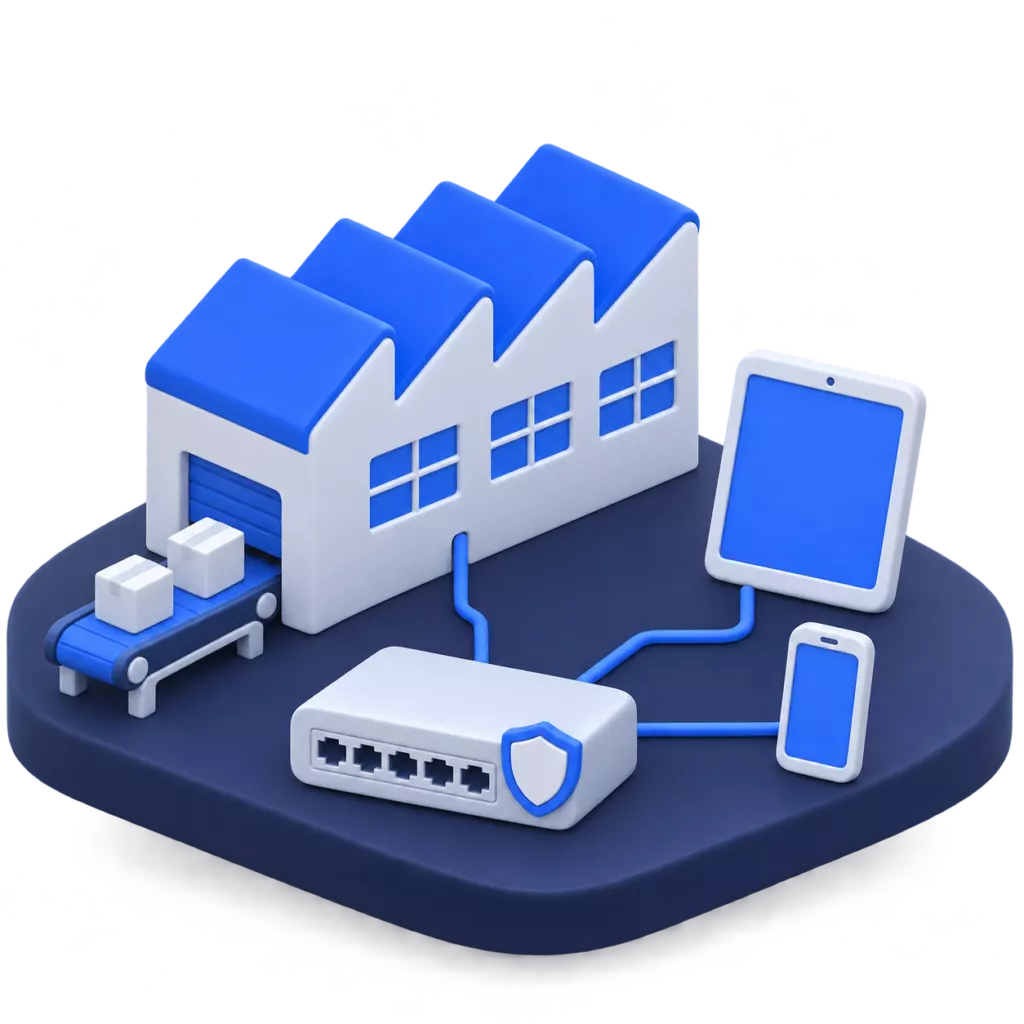
What manufacturing businesses tell me about their IT most often.
One network for all
Several companies share the building, the network and the servers, and everyone can see everything.
Each company gets its own network area on shared equipment. The firewall decides what is allowed between the areas.
Safety training
Health and safety briefings run on signature lists, and never is everyone there.
Your staff learn the general content with Campus on their phone, with a test. What belongs at the machine, they confirm there by QR code.
New company
We are founding a new company and need IT from day one.
A Microsoft 365 environment of its own, managed devices and cloud telephony. For a new company with ten staff, that was ready after three days.
Change of provider
Our old IT provider is gone, and nobody knows who still has access.
I document the environment, remove old admin access and write down what is there. Afterwards you know again who has access to what.
What runs in the business afterwards.
Separate network areas
Office, production, telephony and guests in areas of their own, with a firewall in between.
Training with records
Health and safety online and on site, forklift licence and first aiders in the same record, also for ISO 45001.
Devices managed centrally
Laptops, phones and tablets with fixed settings, business software deployed centrally.
Backup and monitoring
Servers with their own backup and monitoring that reports problems.
Shared equipment, separate areas.
One network for the whole site saves devices and effort. Separate areas make sure that not every computer can reach every other one.
New company, IT ready in three days.
For a newly founded industrial company in Lower Saxony I set up the IT for ten staff: a Microsoft 365 environment of its own with the mailboxes carried over, Apple device management and cloud telephony. Support is ongoing.
- staff at the start
- 10 staff at the start
- until the IT was ready to use
- 3 days until the IT was ready to use
How we work together.
-
01
Review
Network, servers, devices, access and who needs which software.
-
02
Plan
What comes first, with effort and order.
-
03
Implementation
Larger changes in one day on site, so that everyone can work as usual the next morning.
-
04
Support
One contact for IT, telephony and training.
In brief.
Have a different question? Just write to me.
The machine controls are looked after by their manufacturer. I make sure that computers and devices on the shop floor are connected safely to the network and kept separate from the office.
Through the Campus app on their phone, even without a connection, or by QR code right at the machine. Their manager sees who is still outstanding.
I support the selection: gathering requirements, comparing vendors, arranging meetings with them. The vendor sets up the ERP, and I take care of servers, access and workstations.
Looking for someone to look after your IT?
Send me a short note about what you need, or call: Mon–Fri 8 am–6 pm.